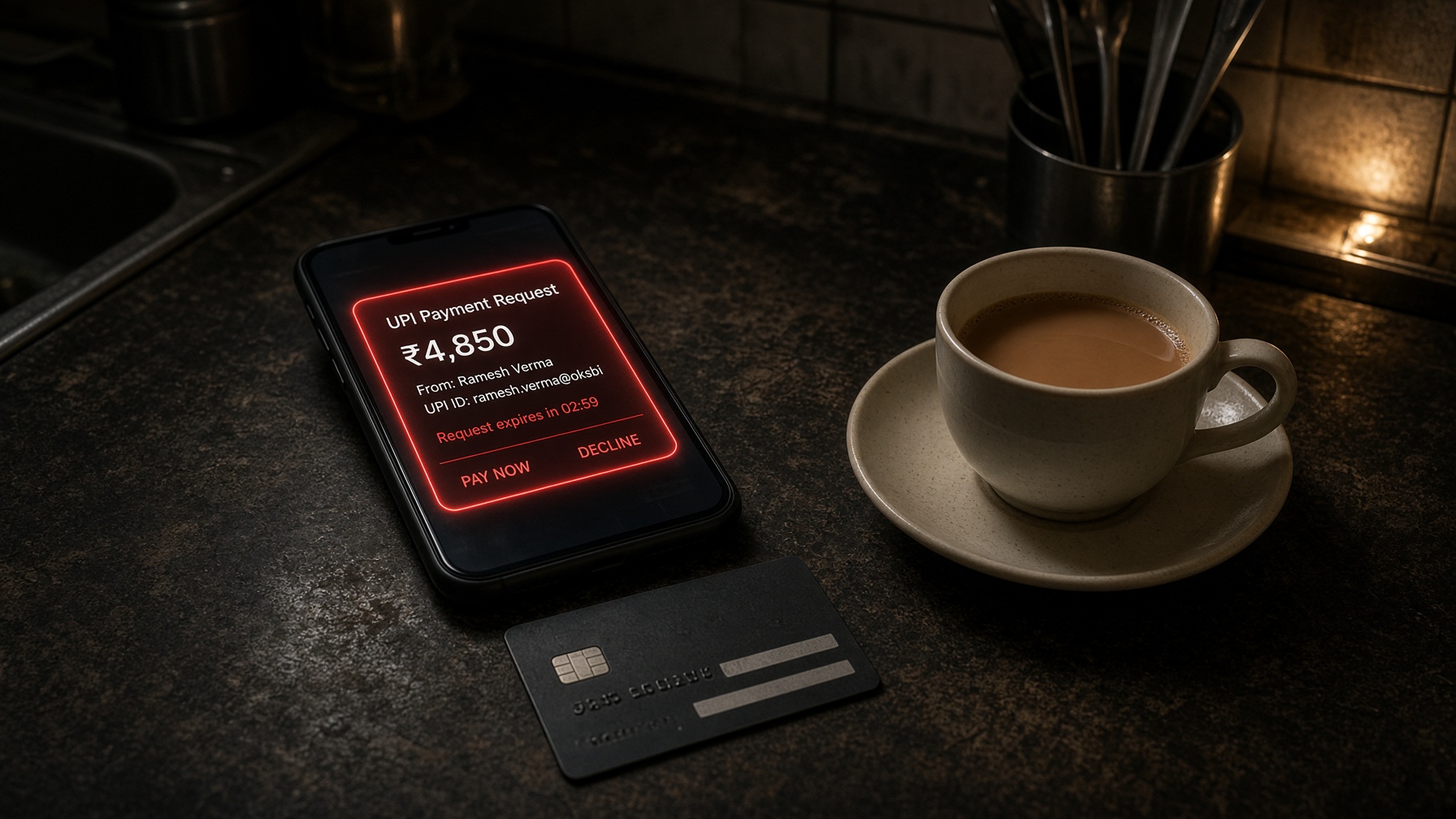
Fake UPI and bank collect
A collect request that looks like a refund. A ‘bank security’ page that eats the PIN. DNS can kill the hostname. It cannot stop someone typing into a page that already loaded.

Chennai · Service Guy · GNK Services
Phishing, malware, and digital-arrest calls do not wait for a browser extension. An unfiltered home is default-allow: every TV, tablet, and guest phone is a door.
Red shards in the scene are inbound junk. The teal mesh is the house filter. A picture of the job — not a guarantee against a teenager on mobile data.
The reality
CERT-In recorded more than 22 lakh cybersecurity incidents in 2024, more than double 2022. Complaints into the national portal have grown roughly six-fold since 2021. Most of the money lost is financial fraud: fake bank sites, fake UPI collect requests, malware from “invoice” links, digital-arrest calls. An open home network does not invent those crimes. It is the pipe that lets them in.
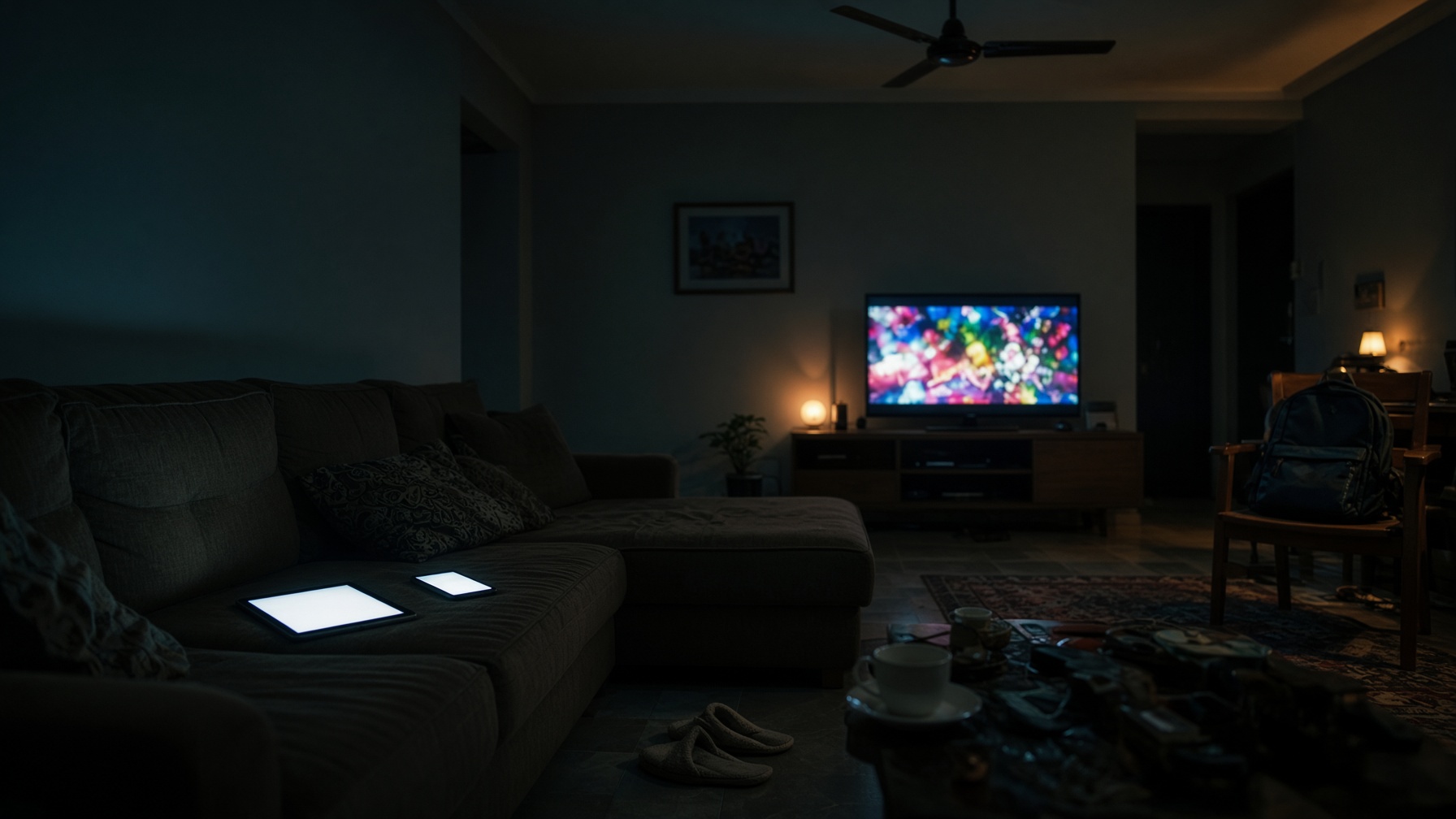
Filters do not stop a parent scanning a QR code because a stranger asked. They do stop a child hitting a newly registered porn or malware domain on the Wi-Fi, and they do kill a lot of drive-by phishing hostnames before the page loads. That is the layer we install.
Leave the fibre box on ISP DNS and every device in the house — including the one you forgot about — is default-allow. That is not a theoretical risk. It is the normal Indian home.
How an attack lands
01
SMS, WhatsApp, fake collect, ‘invoice’, khaki on a video call.
02
The phone asks DNS for a hostname. This is the cheap choke point.
03
ISP DNS loads the page. Every TV and guest phone does too.
04
PIN, session cookie, ransomware — or a child on a site no adult would open.
What actually shows up
A collect request that looks like a refund. A ‘bank security’ page that eats the PIN. DNS can kill the hostname. It cannot stop someone typing into a page that already loaded.
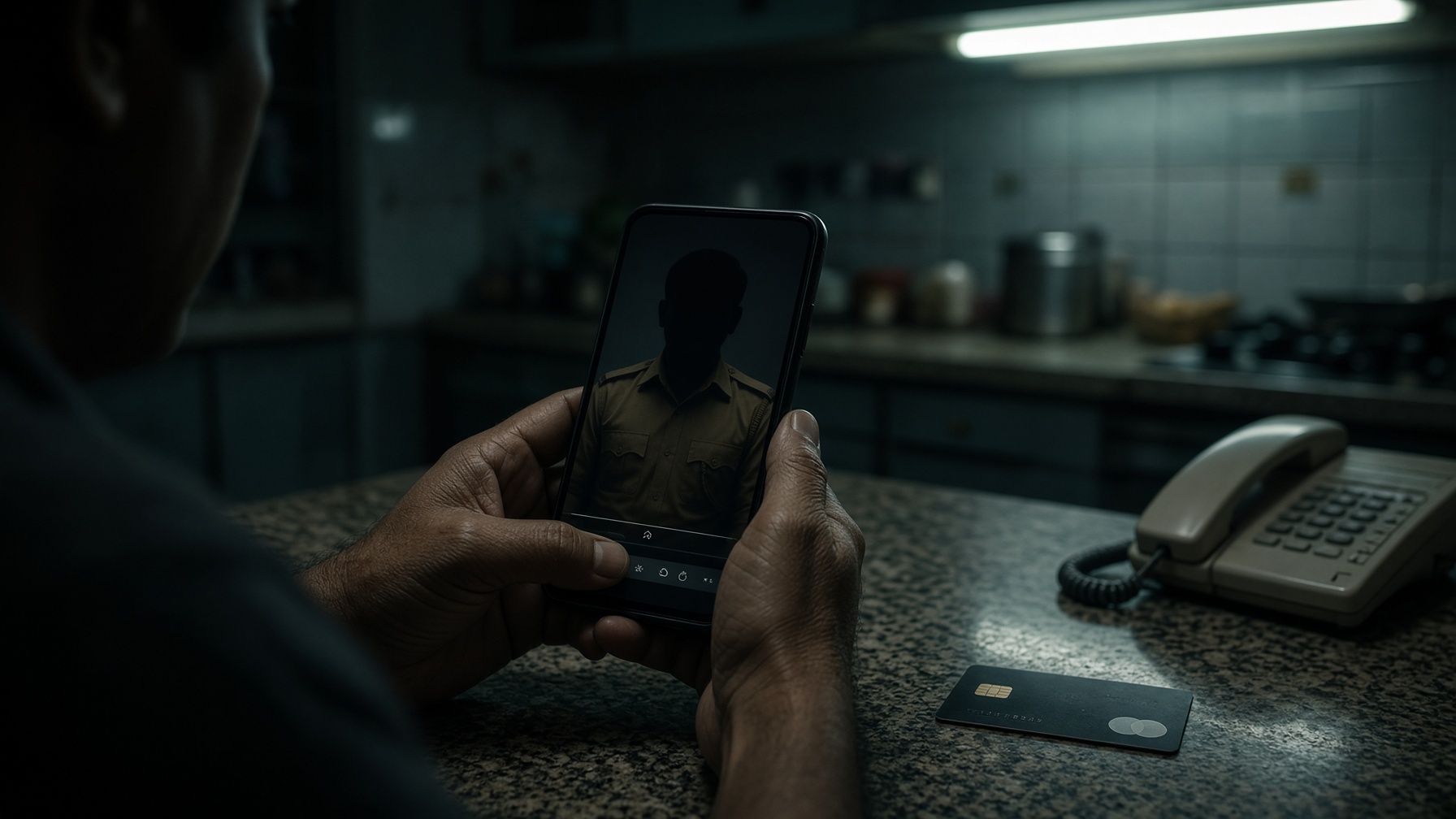
A video call in khaki, a demand to stay on the line, a transfer ‘to the court’. Filters do not hang up the call. They do stop a lot of the landing pages those gangs use next.
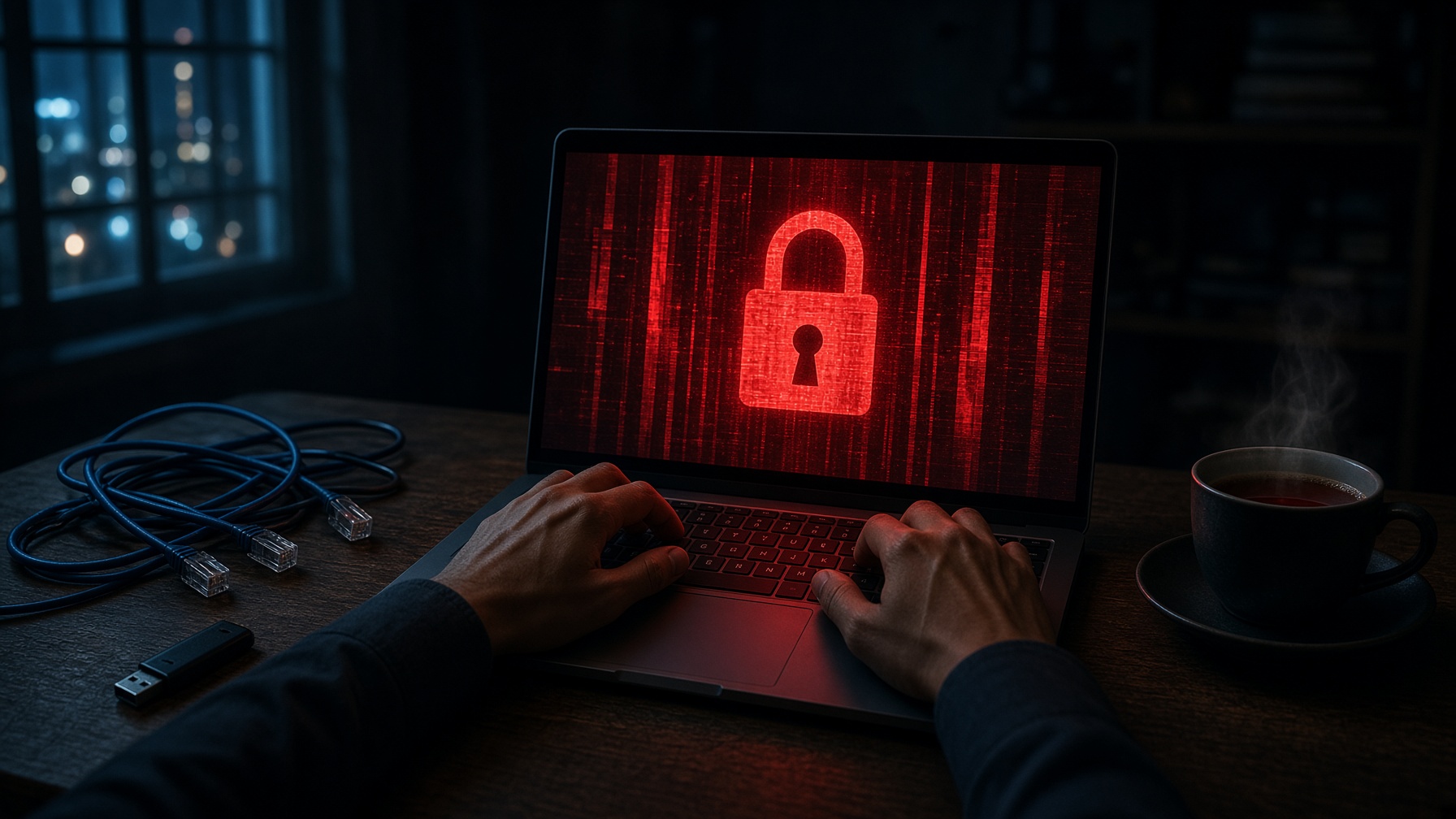
A PDF, a ‘delivery’ link, a USB from a cousin. Endpoint protection plus known-bad domains. Not a promise that a brand-new dropper never lands.
Tablets left on the sofa. Smart TVs on the same LAN as the tax laptop. An open pipe at 1 a.m. is how children find things nobody searched for.
Services
01
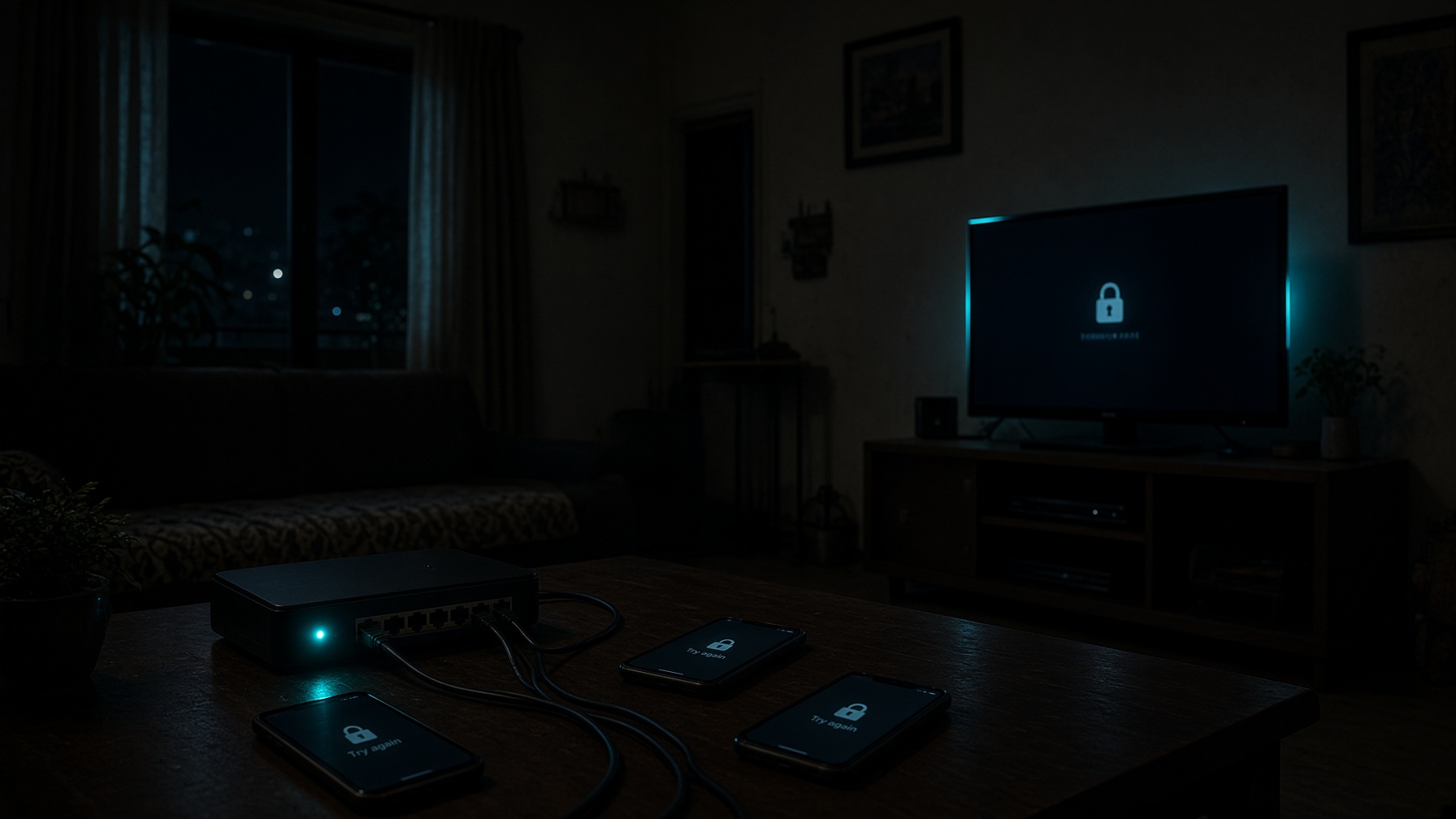
Age profiles, bedtime schedules, and adult-content filters on the home network — plus device lock-down that still applies when a phone leaves Wi-Fi.
02
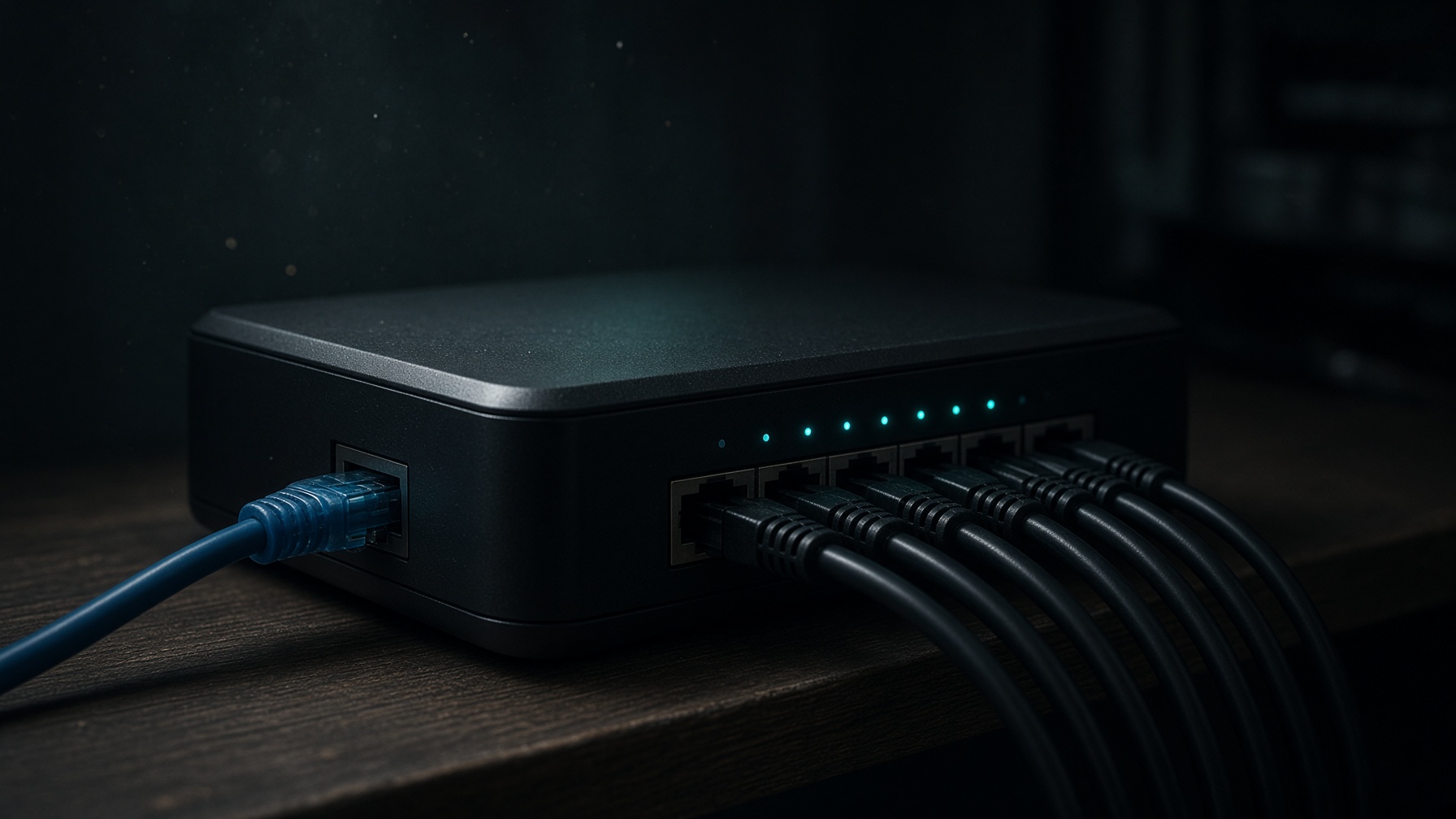
We sit between your fibre box and the rest of the house so every device uses the filter path. Guest Wi-Fi, passwords, firmware, and forced DNS.
03
Known malicious, phishing, and scam domains blocked at DNS. Endpoint protection on PCs. This is a layer — not a magic shield.
04
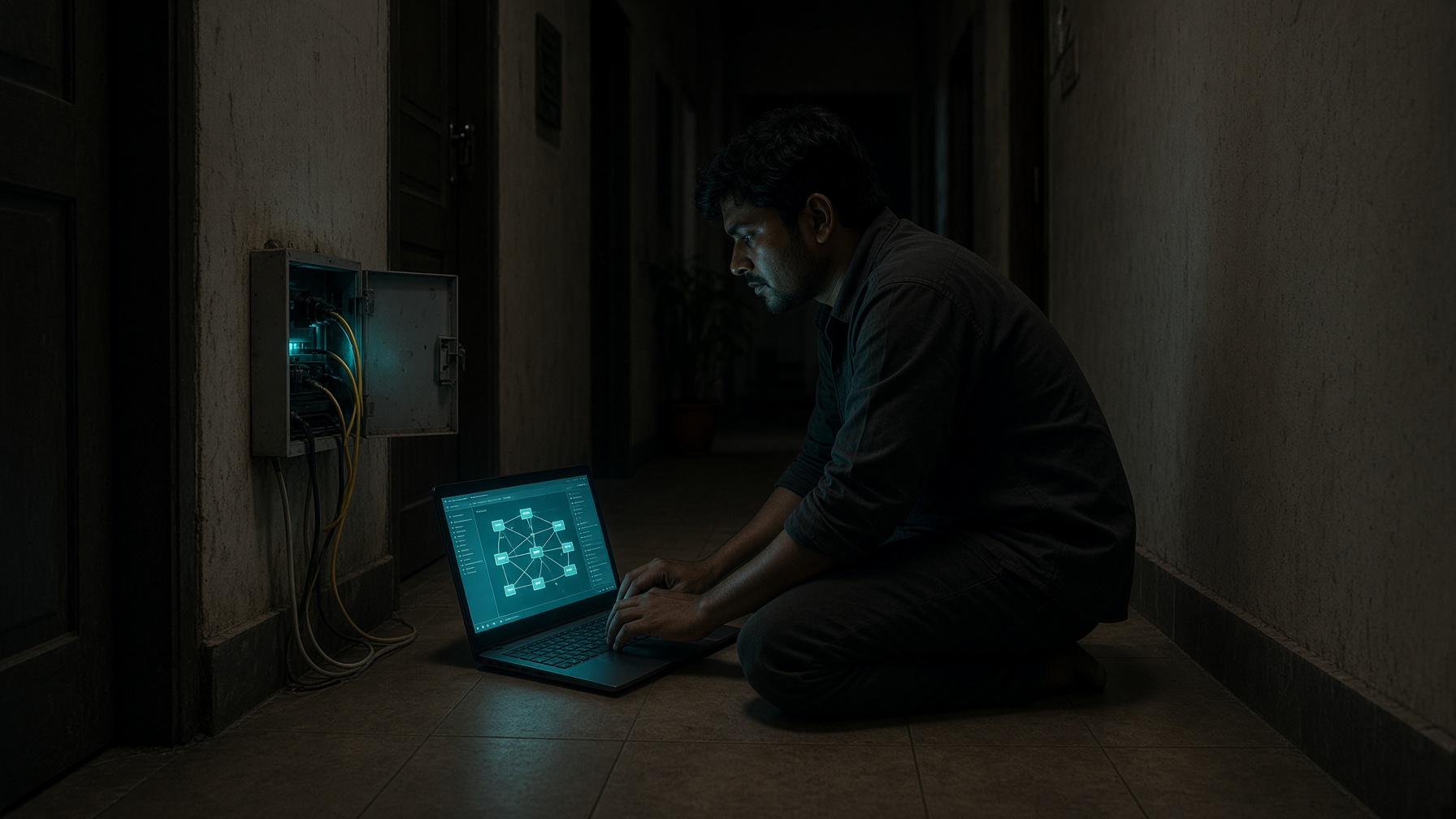
Site visit, a written plan, then we implement. Homes, small offices, tuition centres, and clinics in Chennai.
How we work
1
WhatsApp or the form. Kids’ ages, fibre provider, how many devices.
2
On-site in Chennai. We look at the actual router, not a screenshot.
3
Filters, accounts, gateway path. Takes one sitting for most homes.
4
Passwords, profiles, and a written ‘this will not stop’ list.
Packages
one-time setup
From ₹4,999
Parental filters + malware DNS + device accounts locked down.
one-time setup
From ₹6,999
Home Shield plus a proper gateway path so the house cannot skip the filter.
after setup
₹3,999 / year
Remote maintenance so the setup does not rot after week two.
Be clear
Scare copy is easy. The contract still has to match the engineering.
Not a guarantee against all porn or all malware
DNS sees domains, not pages. YouTube, Instagram, and files on WhatsApp sit outside it.
Home Wi-Fi is the boundary
Router filters die on mobile data. That is why we also lock the phone accounts.
Contact
+91 79047 21939
WhatsApp on the same number · Service Guy
Write through the form. The inbox is not published.
Desk +91 96009 33258 (Desk line 2 p.m. – 6 p.m. IST)
1-A, 6th Cross, School Street, Jafferkhanpet, Chennai 600083, Tamil Nadu, India
Monday – Friday, 10 a.m. – 5 p.m. IST